Guest on Code To Cloud Podcast – AI, Cloud, Career Resilience, and Farming

I’m excited to share that I recently sat down again with former colleuage at Microsoft Kevin Evans on the “Code to Cloud” podcast for a conversation titled “AI, Cloud, and Career Resilience.” It has been a couple of years since I was on as a guest on his podcast. This discussion was super fun and goes all over the place from personal finance (Dave Ramsey we are coming for the top spot!), leaving tech to farm, to the recent layoffs at Microsoft, what AI means for all of us, and more.

You can listen on Spotify, Apple Podcasts, or watch the full episode on YouTube.

Spotify: https://open.spotify.com/episode/1jMf7mRZNxew6trsWt8e96

Apple Podcasts link: https://podcasts.apple.com/us/podcast/ai-cloud-and-career-resilience-with-steve-buchanan/id1788423999?i=1000729123487

YouTube: https://www.youtube.com/watch?v=vmo7MdmGj-s

In this post, I wanted to share some of the highlights, key takeaways, and a few behind-the-scenes thoughts from recording.

On the podcast, Kevin and I dug into several topics, especially in today’s rapidly evolving tech landscape. Some of the themes we touched on are:

Leadership & owning your narrative
I shared lessons I’ve learned in leadership like how to set vision, how to manage through change, and how leaders can help their teams navigate ambiguity.
We also talked about taking control of your narrative rather than letting circumstances or others define it for you.

My journey in tech
We walked through my career path over the years. The ups, the challenges, the moments of uncertainty. And I shared about recently being laid off from Microsoft, pivoting roles, and how those moments shaped and continue to shape my approach to owning my career.

Career resilience and mindset
One of the things I emphasized is that resilience is not just bouncing back, it’s proactively preparing, adapting, and taking charge of your trajectory. We talked about strategies to stay relevant: continuous learning, building a network, personal branding, and leaning into uncertainty instead of resisting it.

AI + Cloud: Opportunities and disruption
We explored how AI is weaving into cloud-native infrastructure and application stacks, and what that means for technologists.
We also addressed how to stay grounded amidst hype and understanding what’s real, what’s emerging, and how to plug into it in a practical, impactful way.

Key Takeaways and Advice for You

If you are reading this, here are a few of the ideas I hope will stick with you:

Do not wait for perfect context. The ideal job or environment might not exist yet. Instead, start shaping it yourself. Build the skills, forge relationships, and create momentum where you are.

Be purposeful in how you show up. Your personal brand is not about vanity. It is a vector for opportunities, trust, and alignment. Share your journey, your thinking, your work, even when it feels vulnerable.

Stay curious with humility. In fields like AI and cloud, change is constant. Curiosity keeps you relevant and humility keeps you open to learning when you do not know the answer.

Focus on bridges, not walls. Whether you are navigating careers, organization changes, or technical disruption, build bridges between peers, between domains, and across teams. Avoid insulating yourself.

Your resilience is in your habits. It is not just how you react in a crisis. It is how you cultivate consistency, reflection, incremental growth, and adaptability.

Behind the Mic; A Few Reflections

Recording with Kevin is always fun. His questions push guests to think more deeply than just the “what happened” stories. It was gratifying to revisit earlier chapters in my career after recently being laid off and exploring themes like uncertainty, adaptation, and ownership recurred over time.
I always find it special when conversations like these inspire me as much as I hope they inspire listeners and the host as well! Preparing, sharing, and telling stories helps us all get a little more confident in this unknown tech market.


If you have 45 to 60 minutes to spare, I encourage you to give the episode a listen! You will find not just stories from me but hopefully a few ideas or sparks you can take into your own path!

You can also watch the episode right here:
Read more

CloudSkills.fm Podcast: Cloud Native, Azure Arc, DevOps, GitOps, Kubernetes, and Azure

Recently I had the honor to be a guest on my friend and fellow Microsoft MVP Mike Pfeiffer’s Cloudskills.fm podcast again! This was episode is “106: Steve Buchanan on Cloud Native, DevOps, GitOps, Kubernetes, and Azure“. I was excited to be a guest again on the CloudSkills podcast and catch up with Mike.

On this new episode, we had a chance to talk about a variety of topics like leveling up your career, what I have been up to, diversity and inclusion in the tech, of course Azure, Azure Arc, DevOps, Kubernetes, GitOps, we even touched on SAP on Azure, among other insights.

You can listen to the podcast episode 106 right here on my blog:

Or you can listen to episode #106 here: https://cloudskills.fm/episodes/106.

Back in 2019 I was a guest on the Cloudskills.fm podcast on episode # 15. The past episode was a lot of fun with more of a focus on your career in the world of IT. If you want to check that out here.

Read more

Build & release a Container Image from Azure DevOps to Azure Web App for Containers

I recently published a blog post on 4sysops.com about Web App for Containers on Azure here: https://4sysops.com/archives/web-app-for-containers-on-azure. That blog post is about the often-overlooked service in Azure that can be used to host a container/s on a web app in Azure App service.

This is a great service if you just need to run a single container or even a couple of containers that you have in Docker Compose. This service is PaaS and abstracts away an orchestration system like Kubernetes. If you need insight into the Azure App Service Web App for Containers service check out the blog post on 4sysops.

In this long blog post I am going to take things a step further and walk-through the build & release of a Container from Azure DevOps to Azure Web App for Containers. The overall goal of this post is to help someone else out if they want to setup a build and release pipeline for building and deploying a container to Azure App Service. We will use a very simple PHP web app I built that will run in the container.

Here are the components that are involved in this scenario:

  • Azure Container Registry (ACR): We will use this to store our container image. We will be pushing up the container image and pull it back down from the registry as a part of the build and release process.
  • Azure DevOps (ADO): This is the DevOps tooling we will use to build our container, push it up to ACR, pull it down into our release pipeline and then deploy to our Azure App Service.
  • App Service Web App for Containers: This is the web server service on Azure that will be used to host our container. Under the hood this will be a container that is running Linux and Apache to host the PHP web app.

Here is the data Flow for our containerized web app:

  1. Deploy the Azure App Service Web App for Containers instance
  2. Deploy the Azure Container Registry
  3. Deploy the Azure DevOps organization and project, create repository to host the code, clone repository in VS Code (Not shown in this blog post. Assume you know how to this up.)
  4. Update the application code (PHP code and Docker image) in Visual Studio code
  5. Commit application code from Visual Studio code to the Azure DevOps repo (Not shown in this blog post. Assume you know how to this up.)
  6. Setup build and then run container build and push the container image to ACR
  7.  Setup release pipeline and then kick off the release pipeline pulling down the container image from ACR and deploys the container to the App Service Web App for Containers instance.

Here is a diagram detailing out the build and release process we will be using:

Click to enlarge

Note that all code used in this blog post is hosted on my GitHub here: https://github.com/Buchatech/EOTD-PHP-APP-DOCKER-CONTAINER

Ok. Let’s get into the setup of core components of the solution and the various parts of the build and release pipeline.

For starters this solution will need a project in Azure DevOps with a repo. Create a project in Azure DevOps and a repo based on Git. Name the repo exerciseoftheday. Next up let’s create the core framework we need in Azure.

Deploy Azure App Service Web App for Containers

Let’s create the Azure App Service Web App for Containers that will be needed. We will need a resource group, an app service plan and then we can setup the app service. The PHP app we will be running is named Exercise Of The Day (EOTD) for short so our resources will use EOTD. Use the following steps to set all of this up.

We will do everything via Azure Cloud Shell. Go to https://shell.azure.com/ or launch Cloud Shell within VS Code.

Run the following Syntax:

# Create a resource group

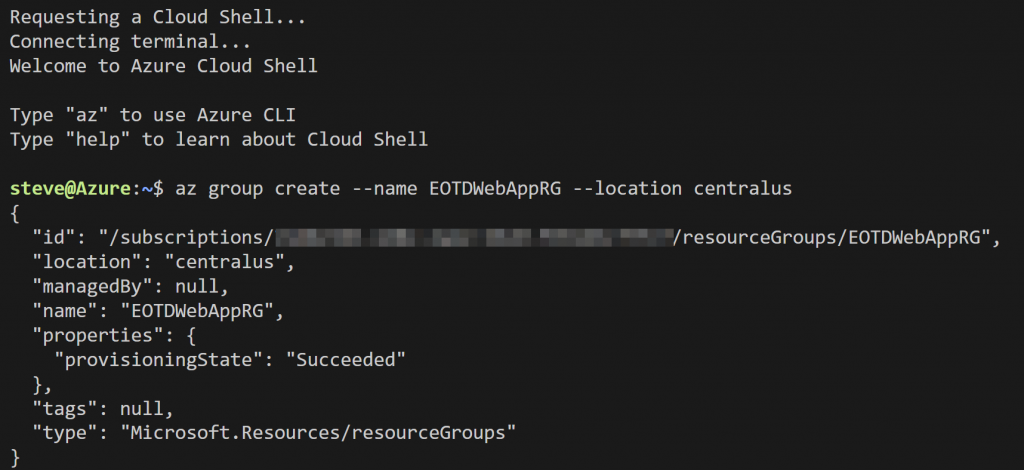
az group create –name EOTDWebAppRG –location centralus

# Create an Azure App Service plan

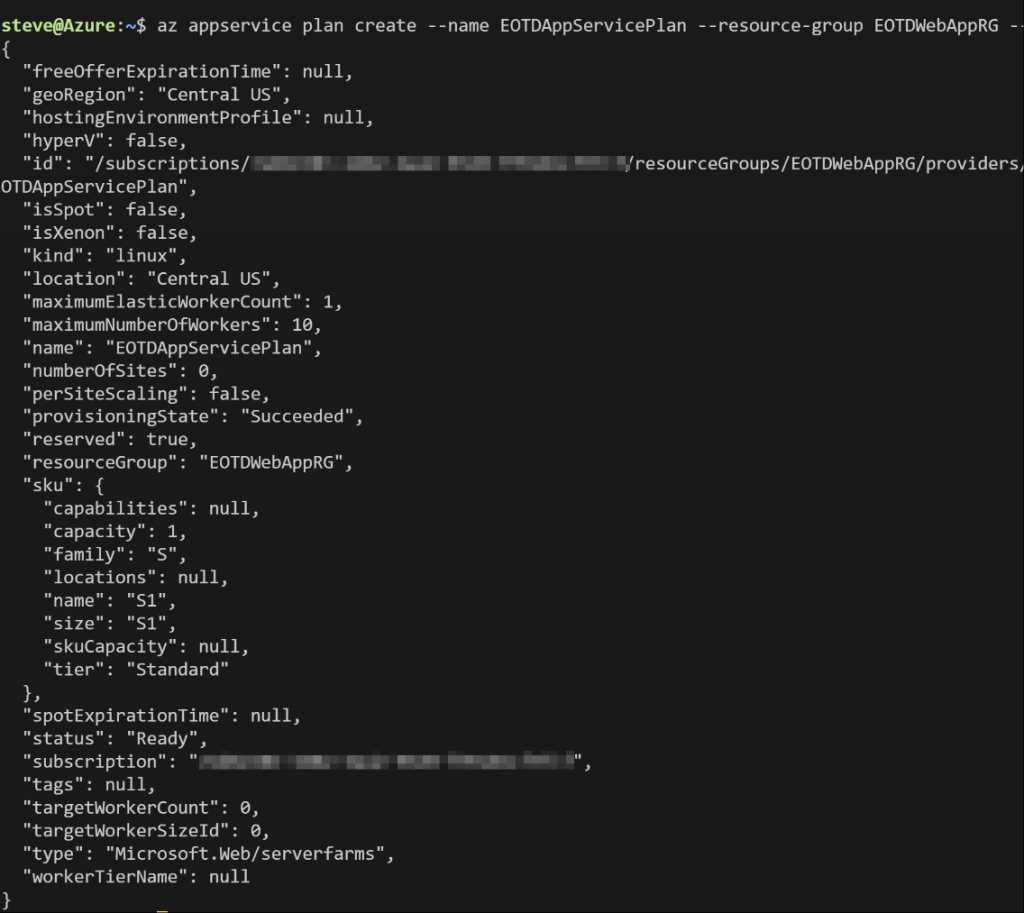
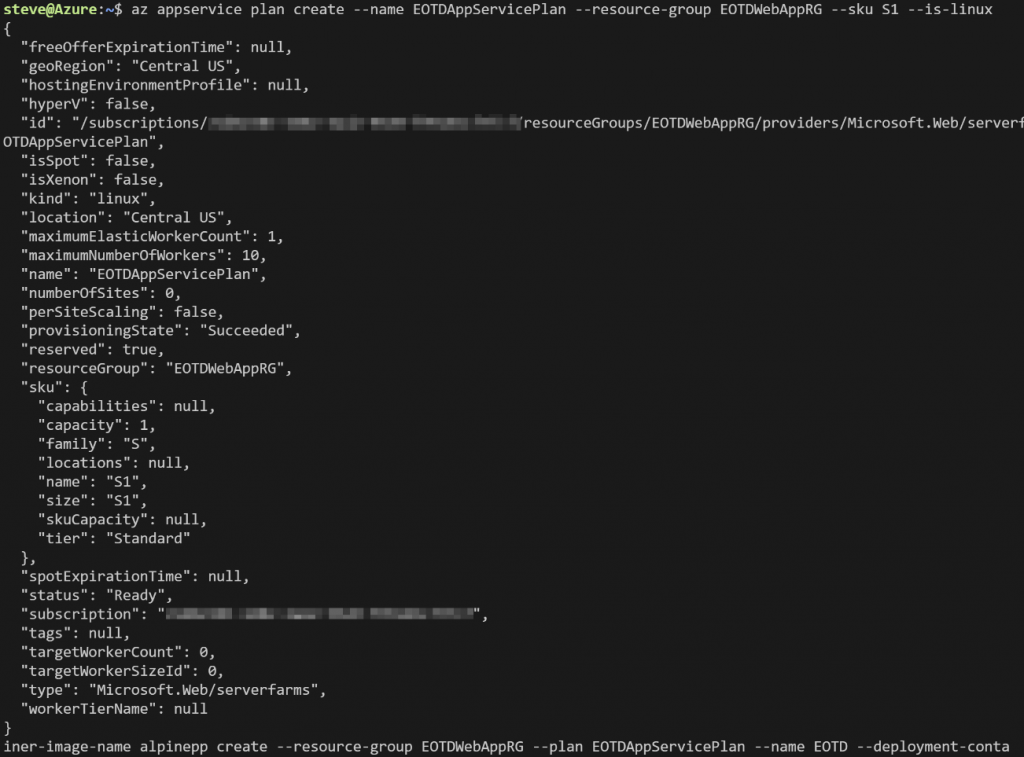
az appservice plan create –name EOTDAppServicePlan –resource-group EOTDWebAppRG –sku S1 –is-linux

# Create an Azure App Service Web App for Containers

az webapp create –resource-group EOTDWebAppRG –plan EOTDAppServicePlan –name EOTD –deployment-container-image-name alpine

# Create a deployment slot for the Azure App Service Web App for Containers

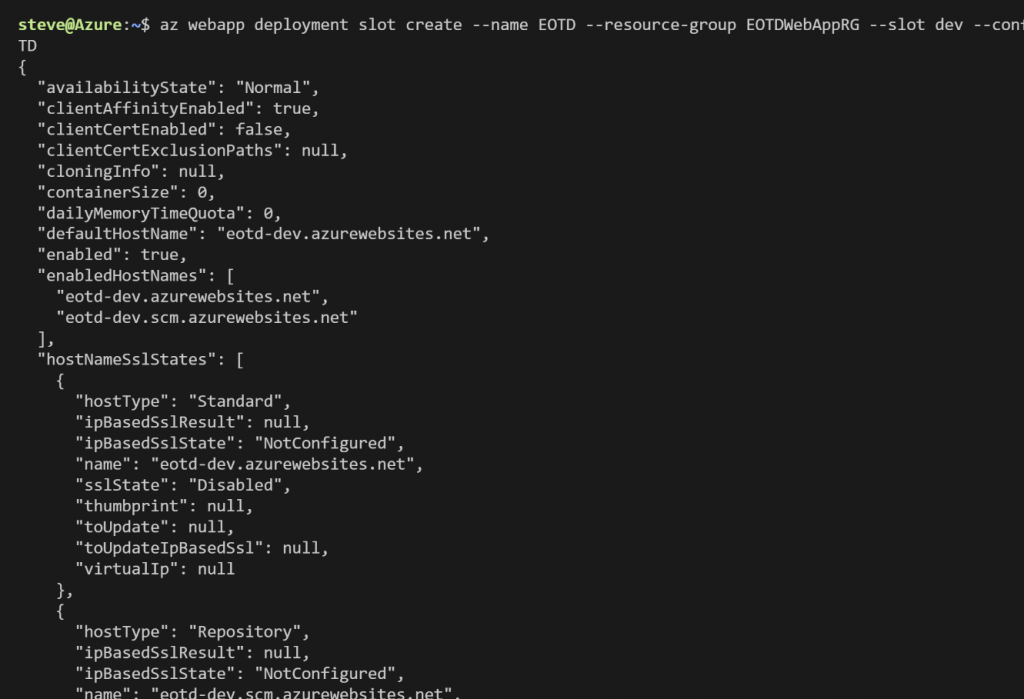
az webapp deployment slot create –name EOTD –resource-group EOTDWebAppRG –slot dev –configuration-source EOTD

Deploy Azure Container Registry

Now let’s create the Azure Container Registry. Again, this is where we will store the container image. Run the following Syntax:

# Create Azure Container Registry

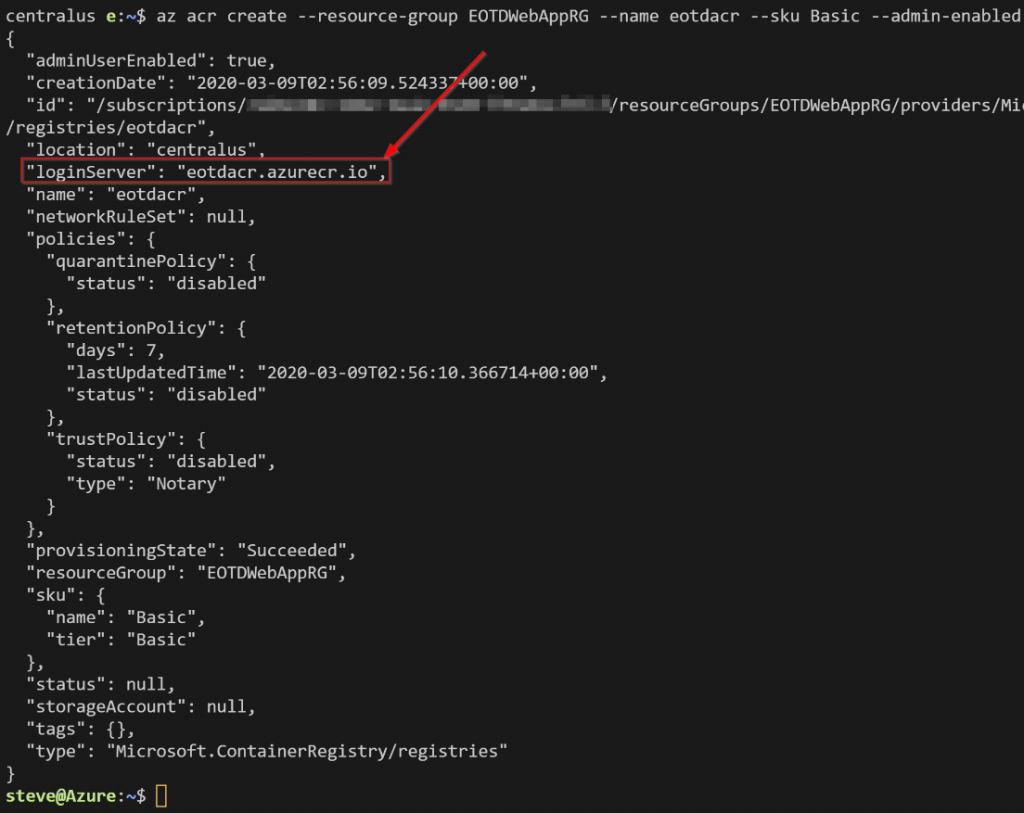
az acr create –resource-group EOTDWebAppRG –name eotdacr –sku Basic –admin-enabled false –location centralus

Note the loginServer from the output. This is the FQDN of the registry. Normally we would need this, admin enabled, and the password to log into the registry. In this scenario we won’t need admin enabled or the password because we will be adding a connection to Azure DevOps and the pipelines will handle pushing to and pulling the image from the registry.

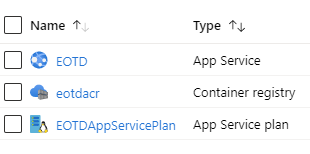
When it’s all done you should see the following resources in the new resource group:

Next, we will need to build an application and a container image.

Read more

Tech Reviewer – Free Azure Strategy and Implementation Guide, Third Edition

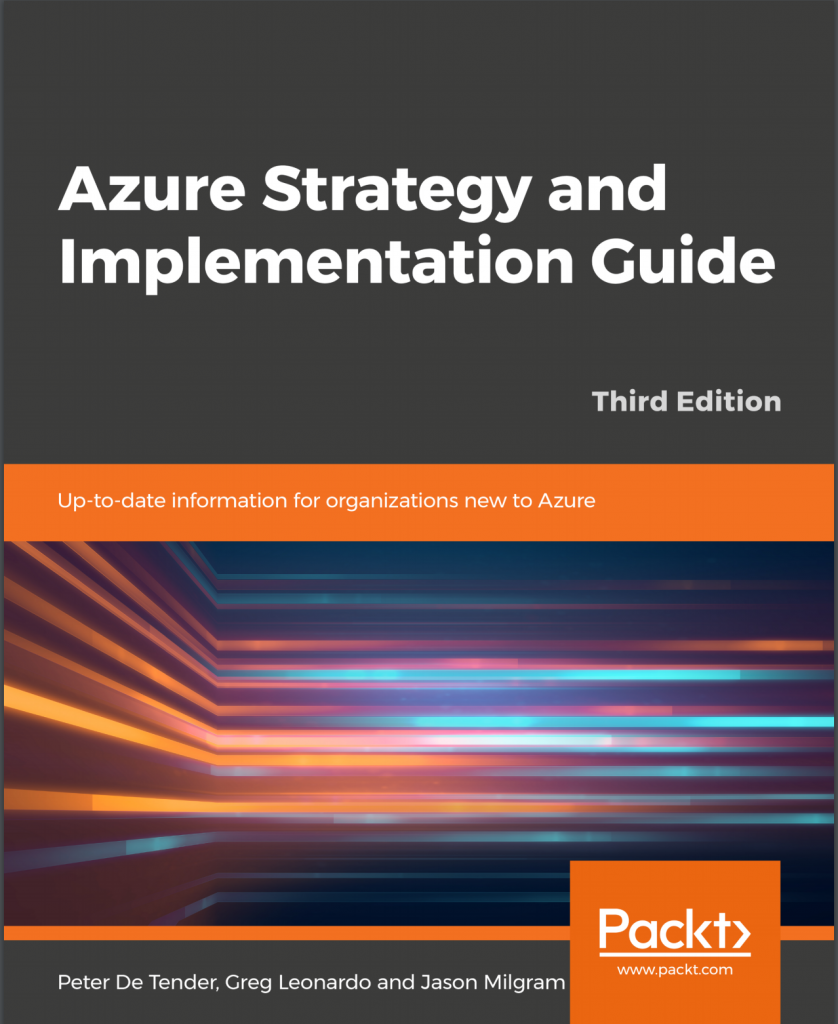
Towards the end of 2019, I had the opportunity to be the sole Tech Reviewer on an Azure Azure Strategy and Implementation Guide. This is the third edition of this guide so it has really current Azure information. It was authored by former MVP and now Microsoft trainer Peter De Tender (@pdtit) and others.

This guide gives a step by step introduction to using Azure for your cloud infrastructure. The guide also covers an overview of Azure benefits and best practices for planning your migration, assistance with cloud architecture and design choices, and insight on how to manage and optimize your new cloud environment.

The best part is that this guide is free! Get your copy here:

https://azure.microsoft.com/en-us/resources/azure-strategy-and-implementation-guide-third-edition

Read more