32nd Course Published: Applying GenAI to Planning and Requirements

I’m excited to share that my latest Pluralsight course, Applying GenAI to Planning and Requirements, is now live!

Generative AI is changing how project managers, business analysts, product owners, developers, and other technology professionals approach project planning and requirements gathering. Teams can now use GenAI to organize scattered information, accelerate documentation, identify missing details, and create stronger project artifacts.

However, generating content is only part of the process. Teams also need to validate the output, maintain traceability, involve the right stakeholders, and apply human judgment before AI-generated artifacts are used to guide development.

In this intermediate-level course, I focus on practical and responsible ways to apply GenAI across project planning, requirements gathering, documentation, validation, and governance. The course is approximately 75 minutes and is part of Pluralsight’s Generative AI Across the Software Development Lifecycle learning path.

What You’ll Learn

Modern project teams are expected to move quickly while still producing clear plans, accurate requirements, and documentation that stakeholders can trust.

This course explores how GenAI can help teams meet those expectations without removing people from the decision-making process.

Throughout the course, you’ll learn how to:

  • Generate initial project charters and define project scope
  • Identify assumptions, constraints, dependencies, and scope boundaries
  • Support Agile planning, backlog refinement, estimation, and release planning
  • Create risk registers and develop potential mitigation strategies
  • Transform meeting notes, interviews, emails, and informal briefs into structured requirements
  • Generate user stories, acceptance criteria, and definitions of done
  • Identify missing non-functional requirements related to security, performance, accessibility, and compliance
  • Detect gaps, ambiguities, and contradictions in requirements
  • Generate clarifying questions for stakeholder review
  • Establish human review and stakeholder sign-off workflows
  • Maintain traceability between requirements, backlog items, testing, and supporting evidence
  • Apply governance practices to AI-generated project artifacts

The course is intentionally tool-agnostic, with an emphasis on concepts and transferable practices that can be applied across different GenAI platforms and tools.

Applying GenAI to Project Planning, Scoping, and Risk Management

The first module explores how GenAI can support early project planning activities.

I demonstrate how to use GenAI to create an initial project charter, establish scope boundaries, document assumptions and constraints, and support Agile planning activities.

The module also covers how GenAI can assist with backlog refinement, effort estimation, release planning, risk identification, and mitigation planning.

For example, GenAI can help a project team identify common risks, organize them into a risk register, and propose possible contingency approaches. This can give the team a stronger starting point for planning and stakeholder discussions.

Just as importantly, I discuss the limitations of AI-generated planning artifacts.

GenAI may not understand internal politics, team dynamics, organizational history, available resources, unstated constraints, or business context that was not included in the prompt. Its output may sound complete while still missing important details.

Human judgment remains essential.

Accelerating Requirements Gathering and Documentation

The second module focuses on using GenAI to improve requirements gathering and documentation.

Requirements are often distributed across stakeholder conversations, meeting transcripts, emails, notes, whiteboards, documents, research findings, and informal requests. Important decisions may also exist only as verbal agreements or undocumented assumptions.

GenAI can help organize these inputs and transform them into structured artifacts that a project team can review and refine.

In this section, I show how GenAI can assist with:

  • Requirements workshops
  • Stakeholder discussion prompts
  • Meeting summaries and action items
  • Structured requirements documentation
  • User stories and acceptance criteria
  • Non-functional requirements
  • Definitions of done
  • Gap and ambiguity detection
  • Clarifying questions
  • Audience-adapted requirements documentation

The goal is not to have AI make final product or project decisions.

The goal is to help teams build a stronger starting point, organize information faster, ask better questions, and spend more time validating requirements with stakeholders.

Hands-On Demos with GitHub Copilot App

One of the highlights of the course is the set of practical demos.

I used GitHub Copilot App, OpenAI’s Codex, and GitHub Projects througout the demos so that you have an example with real tools you can start using today. In one of the demos GitHub Copilot App was used to move from unstructured project inputs to usable planning and requirements artifacts in GitHub Project. I show learners how GenAI can move beyond producing isolated text and become part of a real project workflow.

Across the demos, I show how to use GitHub Copilot to:

Read more

“Building Apps with OpenAI” my 29th Pluralsight Course!

I am excited to share that my 29th Pluralsight course is now live titled Building Applications with OpenAI. This course guides developers through creating modern AI powered applications using OpenAI APIs. Whether you are just getting started with generative AI or looking to integrate it into real projects, you will walk away with practical skills you can use right away.

This was a fun course to build. In this course you will learn how to integrate OpenAI into real world applications from end to end. We begin by setting up the OpenAI API, handling authentication, and designing effective prompts. Then we build a full stack web app that uses AI to analyze and classify data while exploring best practices for deployment, performance monitoring, and error handling. By the end you will have the confidence to build, deploy, and scale your own AI driven solutions.

🧠 Why This Course Matters

Generative AI is reshaping how software gets built and developers are expected to know how to integrate these capabilities into applications. This course gives you the foundational and practical knowledge to do that. You will see how to handle prompt refinement, token limits, deployment tradeoffs, and optimization strategies.

📘 Official Course Description

Generative AI is changing how software is developed, and developers are now expected to integrate AI features into modern applications. In this course, Building Applications with OpenAI, you’ll gain the skills to build, deploy, and maintain AI-powered web applications. First, you’ll explore how to configure the OpenAI API, manage authentication, and craft effective prompts. Next, you’ll build a full-stack expense tracking app that uses OpenAI to analyze and categorize expenses. Finally, you’ll learn how to deploy your app using platforms like Render or Google Cloud, monitor performance, and handle challenges such as token limits, error handling, and prompt optimization. When you’re finished with this course, you’ll have the knowledge and tools to confidently integrate OpenAI into your own applications and bring AI capabilities to your development projects.

This course is a part of the “OpenAI for Developers Path” on Pluralsight. The path can be found here: https://app.pluralsight.com/paths/skills/openai-for-developers and has many courses that will teach you various aspects of bringing OpenAI into your applications.


If you’re building applications and need to add AI, this course will help you. Check out the course here:

https://www.pluralsight.com/courses/building-applications-openai

I hope this course serves as a valuable resource in your AI journey. Thank you for your continued support, and Be sure to follow my profile on Pluralsight so you will be notified as I release new courses

Here is the link to my Pluralsight profile to follow me:

https://www.pluralsight.com/authors/steve-buchanan

Read more

24th and 25th Pluralsight Courses Published

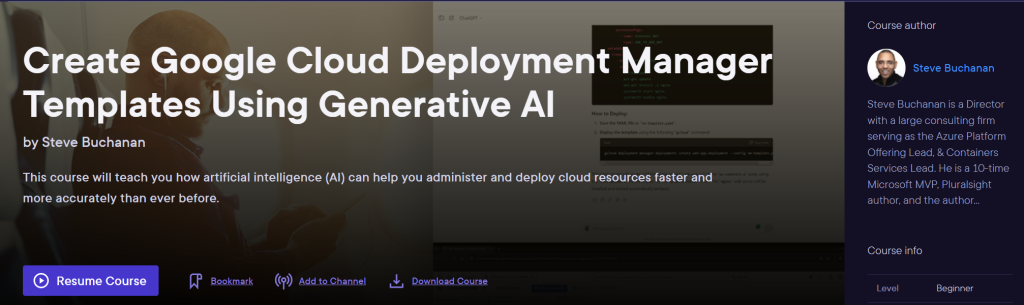
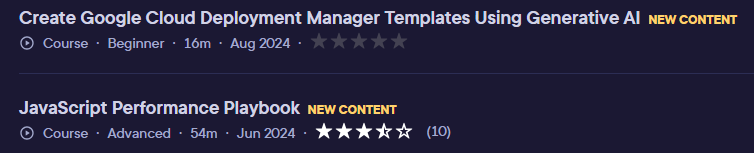
I have been so busy in 2024 that I didnt have a chance to post about my 24th and 25th Pluralsight courses. So I am a little late posting this but I am excited that my 24th course “JavaScript Performance Playbook” and my 25th course “Create Google Cloud Deployment Manager Templates Using Generative AI” have both published on the Pluralsight platform!

You can find both courses here:

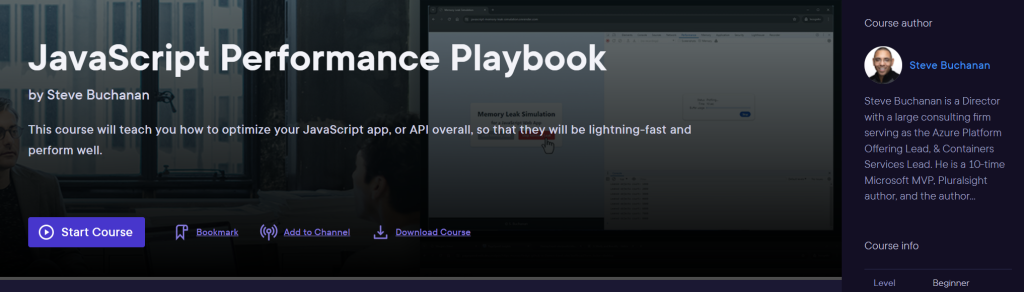
JavaScript Performance Playbook

This course will teach you how to optimize your JavaScript app, or API overall, so that they will be lightning-fast and perform well.

https://app.pluralsight.com/library/courses/javascript-performance-playbook

&

Create Google Cloud Deployment Manager Templates Using Generative AI

This course will teach you how artificial intelligence (AI) can help you administer and deploy cloud resources faster and more accurately than ever before.

https://app.pluralsight.com/library/courses/create-google-cloud-deployment-manager-templates-generative-ai

I hope you find value in these new courses. Be sure to follow my profile on Pluralsight so you will be notified as I release new courses

Here is the link to my Pluralsight profile to follow me:
https://www.pluralsight.com/authors/steve-buchanan

Read more

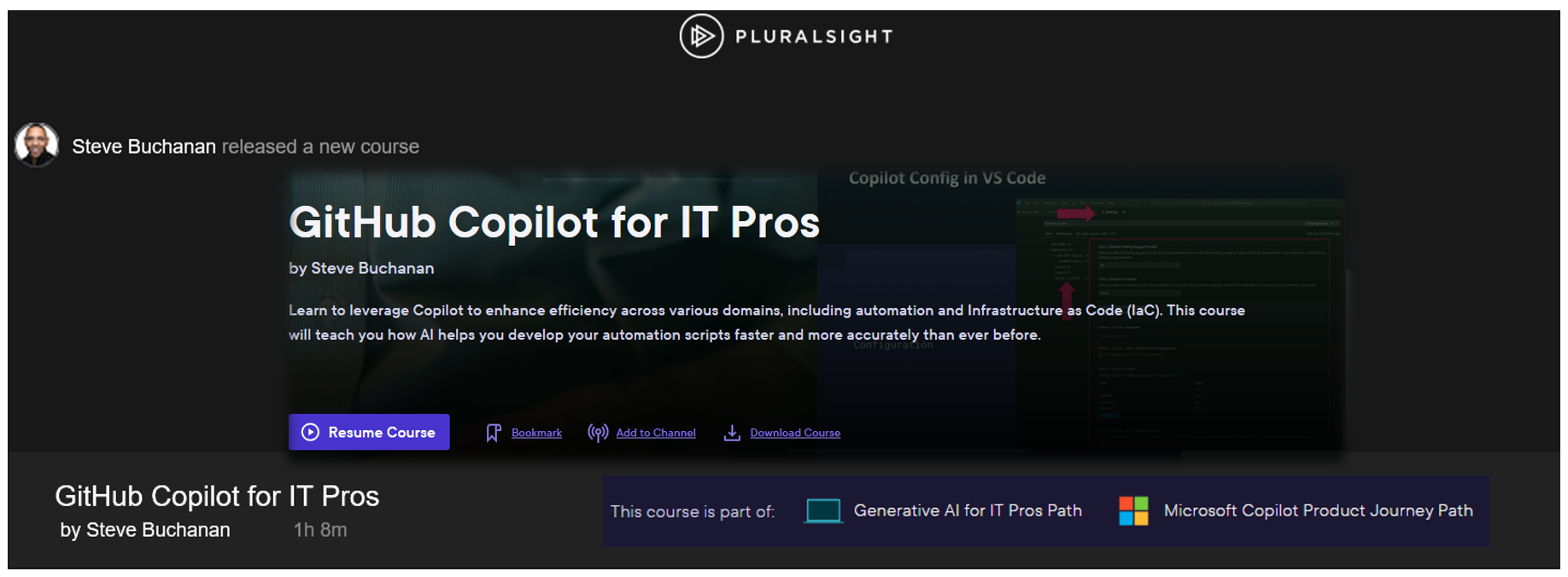
GitHub Copilot for IT Pros – my 23rd Pluralsight Course Published

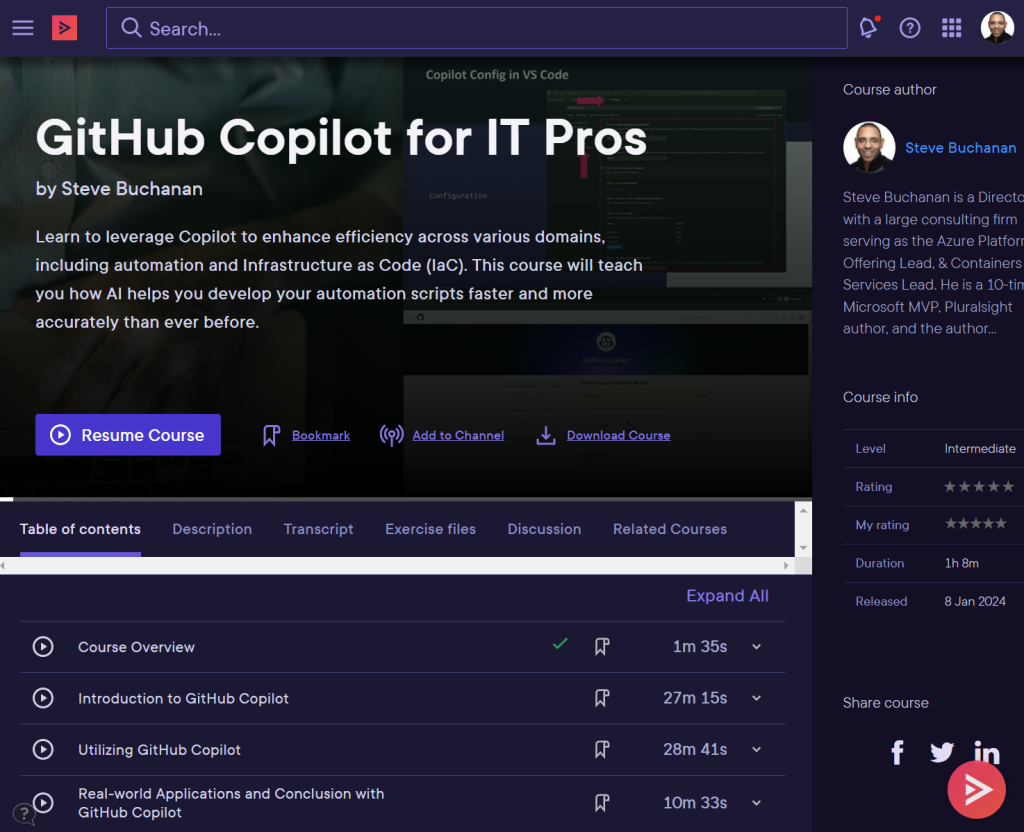
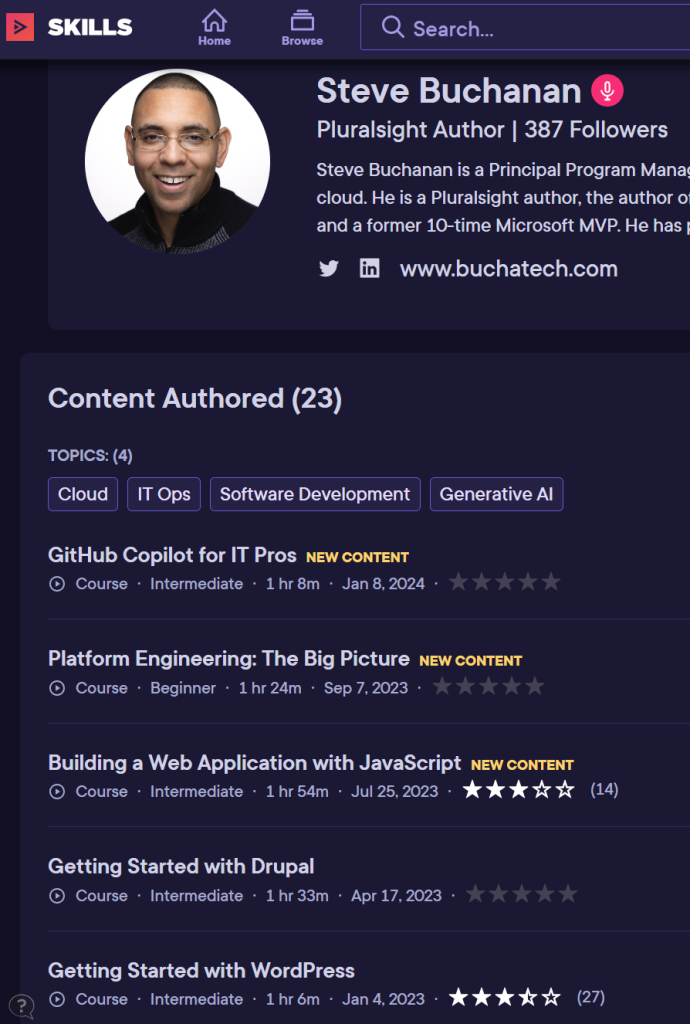
Exciting announcement for the new year. My 23rd course with Pluralsight has published! This one is a Generative AI related course. It is titled “GitHub Copilot for IT Pros“. This is my first course in 2024.

Github Copilot is not just for Developers, its also for IT pros. In today’s world, AI is ubiquitous, enhancing efficiency and acting as a valuable assistant. GitHub Copilot, an AI-powered para-programmer, accelerates coding for developers, making the process faster and more efficient. IT professionals can also leverage Copilot to enhance their efficiency across various domains, including automation and Infrastructure as Code (IaC).

This course is for folks in roles such as Platform Engineers, DevOps Engineers, Systems Engineers, Cloud Engineers, and more. It will help you learn how GitHub Copilot can be leveraged as coding sidekick, speeding up IaC and automation script development.

This course shows you how to use GitHub Copilot, the AI-powered peer developer integrated into Visual Studio Code. First, you’ll explore GitHub Copilot and its features. Next, you’ll discover GitHub Copilot IDE integrations. Finally, you’ll learn how to use GitHub Copilot’s various features. When you’re finished with this course, you’ll have the skills and knowledge of GitHub Copilot needed to utilize GitHub Copilot as an IT pro.

Some of the major topics covered include:

  1. What AI & Common AI Terminology is?
  2. Understanding GitHub Copilot and its Features.
  3. How to setup GitHub Copilot with VS Code?
  4. How to use GitHub Copilot features like: suggestions, autofill, code testing, Copilot chat & more.

When you’re finished with this course, you’ll have a better understanding of GitHub Copilot all up and how it can be a critical tool for IT pros.

Check out the “GitHub Copilot for IT Pros“ course here:

https://www.pluralsight.com/courses/github-copilot-it-pros

This course is also part of new “Microsoft Copilot Product Journey” and “Generative AI for IT Pros Path” paths on the Pluralsight platform.

https://app.pluralsight.com/paths/skills/generative-ai-for-it-pros

https://app.pluralsight.com/paths/skills/microsoft-copilot-product-journey

In the Microsoft Copilot Product Journey path you will also find courses on the following (NOTE: many of the courses are still being developed):

Introduction to Microsoft Copilot
Copilot for Microsoft 365 Apps (Microsoft Office)
Copilot for Microsoft Teams
Copilot for Web
Copilot for Microsoft Windows
Copilot for Microsoft SharePoint and OneDrive
Copilot for Power Platform: The Big Picture

I hope you find value in this new GitHub Copilot for IT Pros course. Be sure to follow my profile on Pluralsight so you will be notified as I release new courses

Here is the link to my Pluralsight profile to follow me:
https://www.pluralsight.com/authors/steve-buchanan

Read more