My 28th Pluralsight Course Published! Agentic AI Safety and Alignment

I’m excited to announce the release of my 28th Pluralsight course, and it’s a timely one as its about a topic that’s becoming more important by the day: Agentic AI Safety and Alignment.

As AI agent adoption accelerates, developers and product teams are under increasing pressure to ensure these systems behave responsibly. It’s no longer enough to build capable AI agents, they must also operate safely, ethically, and in alignment with your organization’s values.

That’s exactly what this course is about.

🧠 Why This Course Matters

The rise of autonomous AI agents brings incredible potential. but also significant risk. From runaway costs to prompt injection attacks, the stakes are high. In this course, I cover:

  • Prevent unintended behaviors
  • Embed ethics and safety checks into agents
  • Guard against issues like prompt injection
  • Keep human oversight (human in the loop)
  • Avoid unexpected bills or policy violations

To balance the theory and practice, I run through some demos using Microsoft Co-Pilot Studio and Flowise. You’ll see how to put in safety checks, define agent constraints, implement value alignment, and put in controls that keep your agentic AI safe.

📘 Official Course Description

“As companies rapidly adopt autonomous AI agents, developers and product leads face growing pressure to ensure these systems operate safely and align with organizational values. In this course, Agentic AI Safety and Alignment, you’ll gain the ability to design and deploy agentic AI systems that are both effective and ethically sound. First, you’ll explore how to identify potential risks and prevent unintended behaviors in autonomous agents. Next, you’ll discover how to embed your organization’s values by integrating rules and safety checks into your agent design. Finally, you’ll learn how to apply guardrails that keep agents aligned and under control. When you’re finished with this course, you’ll have the skills and knowledge needed to build AI agents that operate responsibly and stay true to your company’s principles.”

If you’re building, leading, or managing AI agent systems, this course will help you. Check out the course here:

https://www.pluralsight.com/courses/agentic-ai-safety-alignment

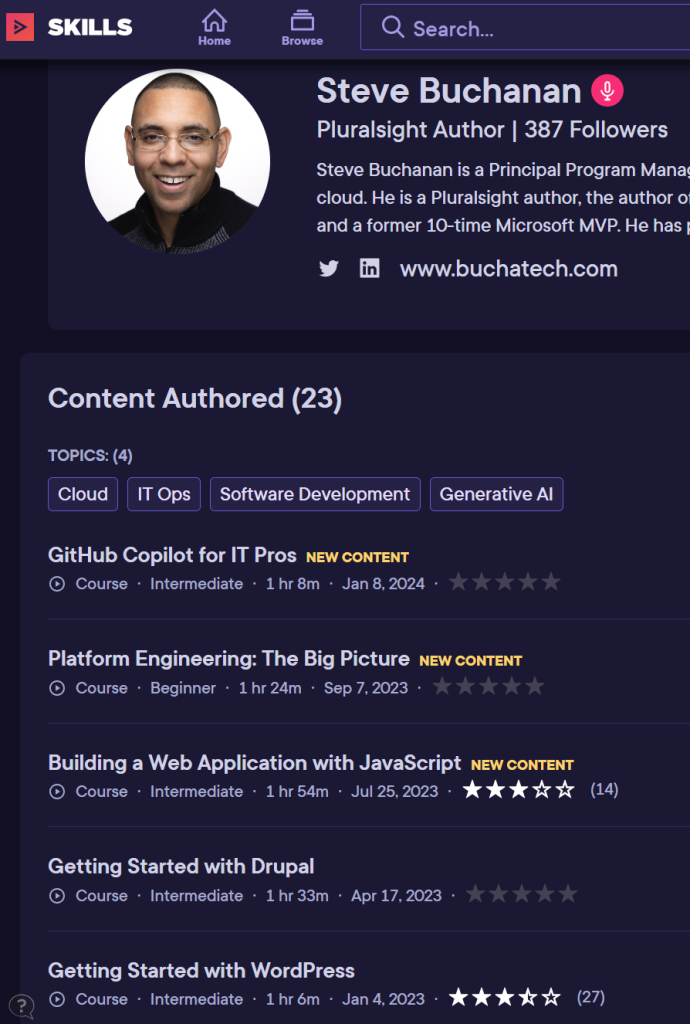
I hope this course serves as a valuable resource in your AI journey. Thank you for your continued support, and Be sure to follow my profile on Pluralsight so you will be notified as I release new courses

Here is the link to my Pluralsight profile to follow me:

https://www.pluralsight.com/authors/steve-buchanan

Read more

GitHub Copilot for IT Pros – my 23rd Pluralsight Course Published

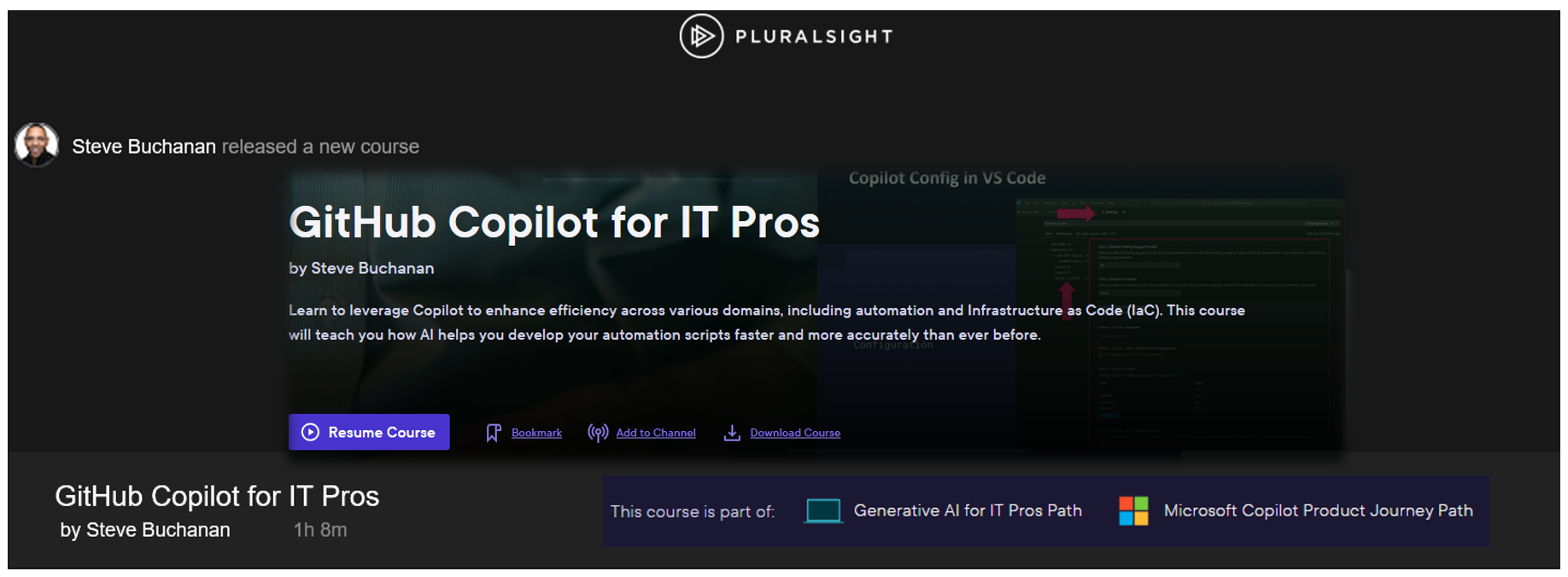
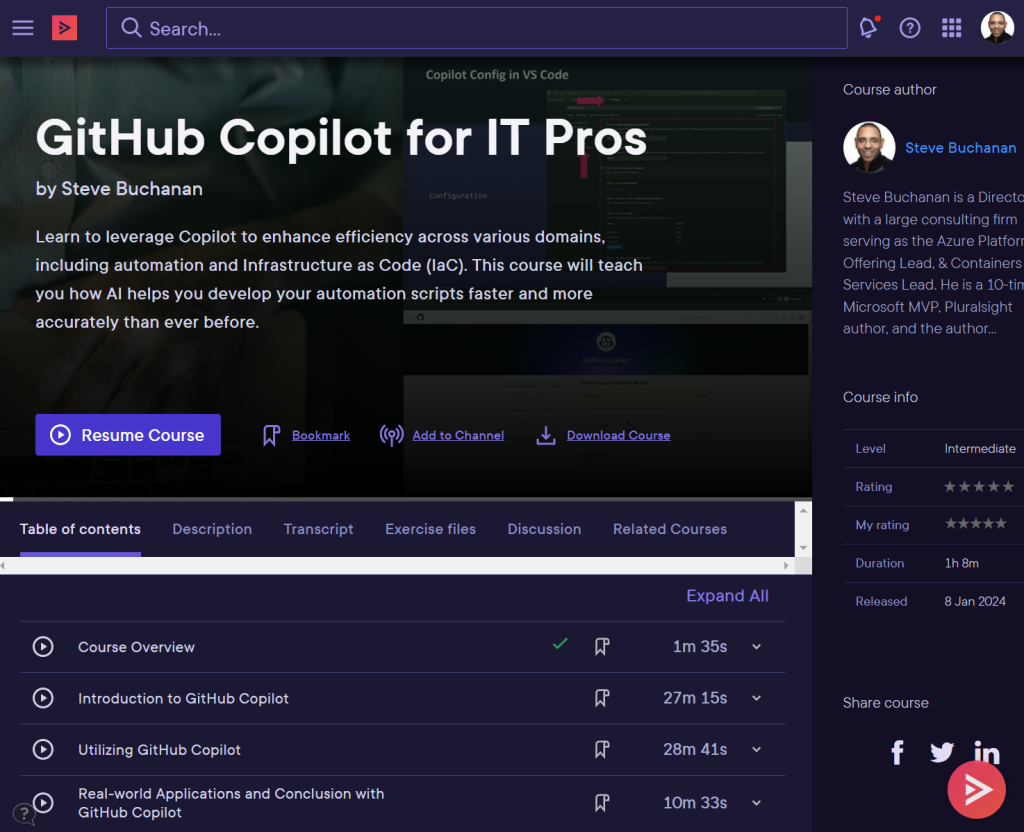
Exciting announcement for the new year. My 23rd course with Pluralsight has published! This one is a Generative AI related course. It is titled “GitHub Copilot for IT Pros“. This is my first course in 2024.

Github Copilot is not just for Developers, its also for IT pros. In today’s world, AI is ubiquitous, enhancing efficiency and acting as a valuable assistant. GitHub Copilot, an AI-powered para-programmer, accelerates coding for developers, making the process faster and more efficient. IT professionals can also leverage Copilot to enhance their efficiency across various domains, including automation and Infrastructure as Code (IaC).

This course is for folks in roles such as Platform Engineers, DevOps Engineers, Systems Engineers, Cloud Engineers, and more. It will help you learn how GitHub Copilot can be leveraged as coding sidekick, speeding up IaC and automation script development.

This course shows you how to use GitHub Copilot, the AI-powered peer developer integrated into Visual Studio Code. First, you’ll explore GitHub Copilot and its features. Next, you’ll discover GitHub Copilot IDE integrations. Finally, you’ll learn how to use GitHub Copilot’s various features. When you’re finished with this course, you’ll have the skills and knowledge of GitHub Copilot needed to utilize GitHub Copilot as an IT pro.

Some of the major topics covered include:

  1. What AI & Common AI Terminology is?
  2. Understanding GitHub Copilot and its Features.
  3. How to setup GitHub Copilot with VS Code?
  4. How to use GitHub Copilot features like: suggestions, autofill, code testing, Copilot chat & more.

When you’re finished with this course, you’ll have a better understanding of GitHub Copilot all up and how it can be a critical tool for IT pros.

Check out the “GitHub Copilot for IT Pros“ course here:

https://www.pluralsight.com/courses/github-copilot-it-pros

This course is also part of new “Microsoft Copilot Product Journey” and “Generative AI for IT Pros Path” paths on the Pluralsight platform.

https://app.pluralsight.com/paths/skills/generative-ai-for-it-pros

https://app.pluralsight.com/paths/skills/microsoft-copilot-product-journey

In the Microsoft Copilot Product Journey path you will also find courses on the following (NOTE: many of the courses are still being developed):

Introduction to Microsoft Copilot
Copilot for Microsoft 365 Apps (Microsoft Office)
Copilot for Microsoft Teams
Copilot for Web
Copilot for Microsoft Windows
Copilot for Microsoft SharePoint and OneDrive
Copilot for Power Platform: The Big Picture

I hope you find value in this new GitHub Copilot for IT Pros course. Be sure to follow my profile on Pluralsight so you will be notified as I release new courses

Here is the link to my Pluralsight profile to follow me:

https://www.pluralsight.com/authors/steve-buchanan

Read more